
I’ll start by saying that you can build a terrible website with WordPress. In fact, most websites – including WordPress websites! – fail to meet the most basic best practices.
However, if you’re using best practices (including ADA compliance) to build a website with WordPress, the end result will be far superior to anything AI could produce – no matter how thoroughly you instruct it.
First of all, think about what AI is using as the source for your website. Other websites? Templates? There’s an old saying – garbage in, garbage out. (This is true no matter how you build a website.)
AI Doesn’t Really Get the Big Picture
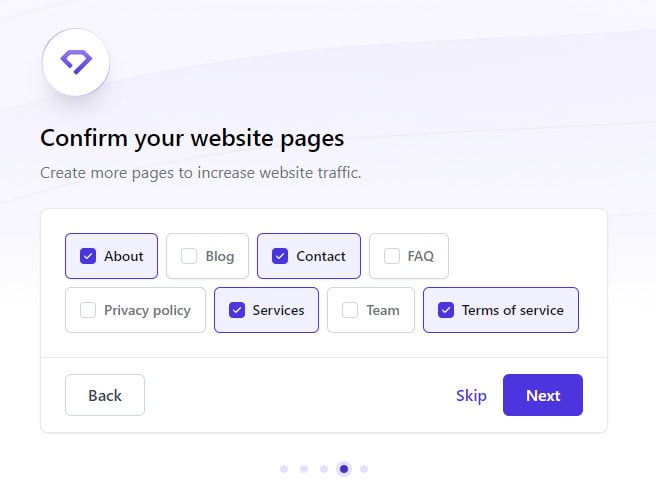
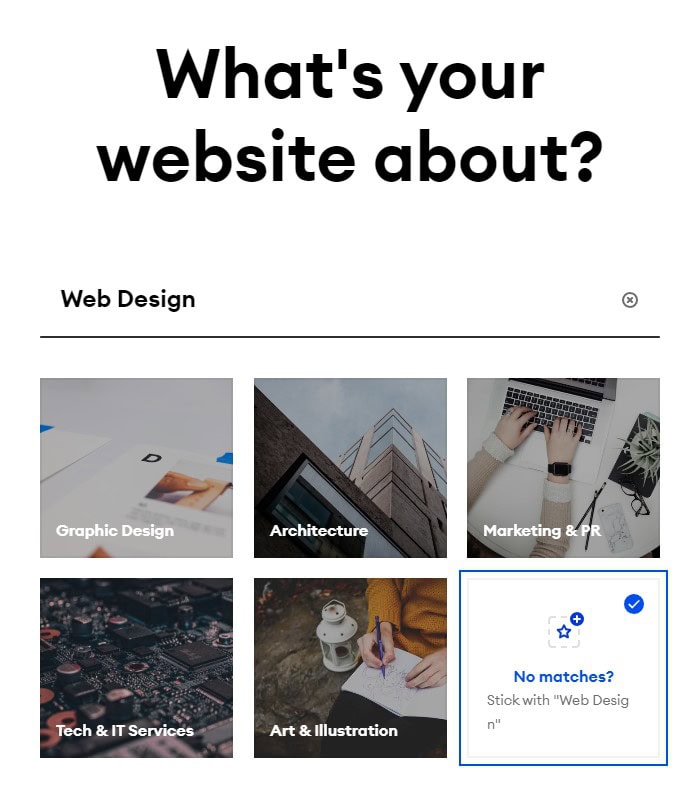
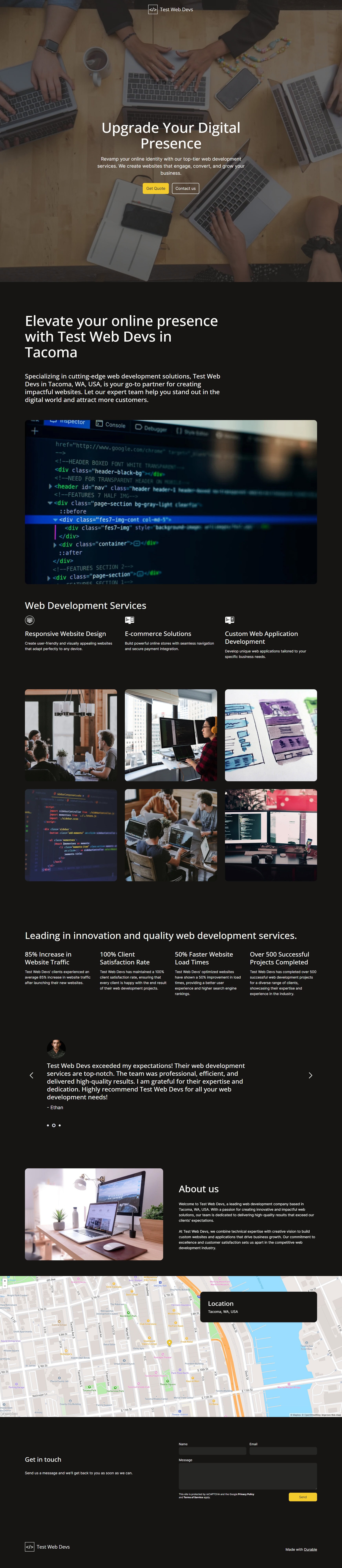
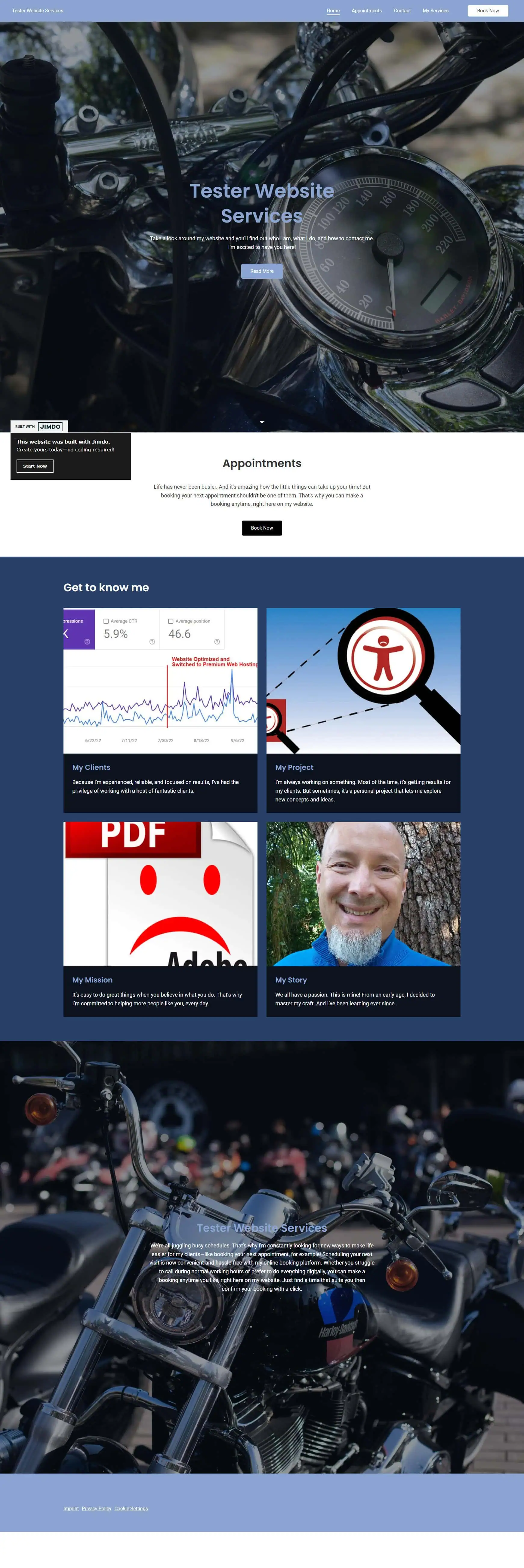
I personally tested 3 AI website building tools: Framer, Durable and Jimdo.
- Framer asked the fewest questions. It started with a single prompt, which I answered by asking it to build a website based on an existing website. The result was a single page with the option to add more pages.
- Durable started with a field to enter a business category for my website and then allowed me to select my services from a list, upload images and choose pages from a set, but I couldn’t add additional pages. It didn’t allow much customization and it made bad decisions like using background images which I never use because they have no SEO value. The result was a single page website with the ability to add more pages and edit.
- Jimdo was the most thorough in terms of questions and the most generous with options, but it still only allowed 3 pages. The site it built was garish, and it failed in terms of color contrast. Although it allowed more pages than the others, I noticed that Jimdo failed to place the pages in a logical order. A good website would put the SERVICES page before all other pages besides the home page. The copy was very generic and uninteresting, and this one too used background images (boo).
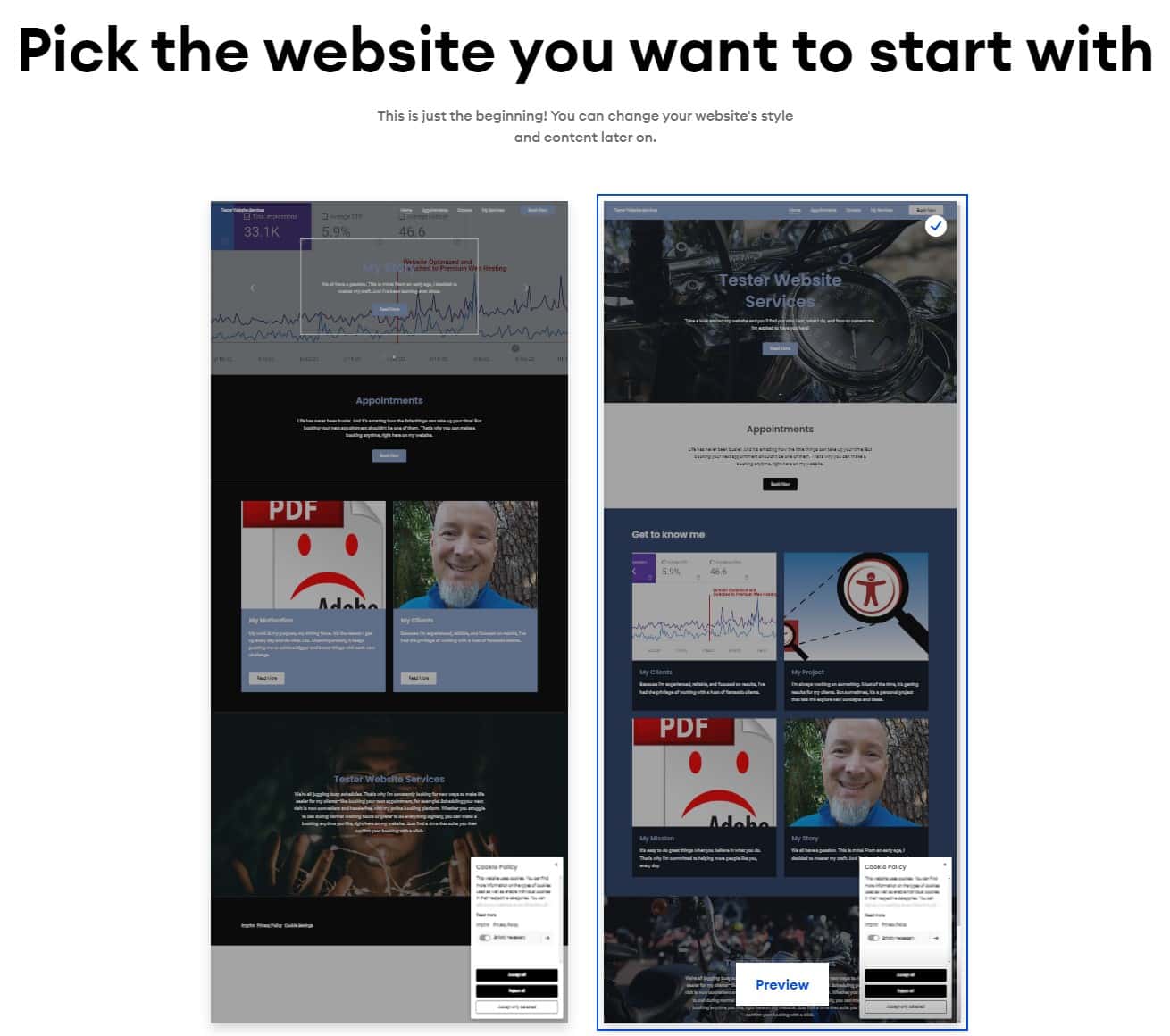
It is my professional conclusion that AI-built websites are incomplete at best. Further, they don’t even come close to meeting the standards of quality, functionality and accessibility a human such as myself can achieve using WordPress. Here are some examples of how AI-built sites fall short.
- Integrations are not set up. Forms created do not get submitted anywhere, don’t have confirmations and don’t have notifications.
- The images used by AI are either common, overused stock photos or obviously AI-generated.The best images for a business website are of real people, products, or projects.
- AI doesn’t understand hierarchy in content. For example, on a website we created with AI, what should have been a Heading 1 was instead a paragraph, and Headings were used where paragraphs should have been used. Multiple font sizes and weights were used for the same level headings which creates a huge usability issue. Headings and consistency help users understand a website..
- AI websites are almost always a single page (based on the tools we’ve tested) and not a full, robust website.
- AI doesn’t understand accessibility, much less how to achieve Experience, Expertise, Authoritativeness, and Trustworthiness (EEAT), which are Google’s current SEO factors. If you’re interested, Search Engine Journal has a very good article on EEAT.
- The less information you give, the more AI relies on other content on the web. This means that you end up with content that could be inaccurate or not appropriate for your website.
- If you instruct the AI to base a new site on an existing website, it will do so – and the new website will have the same drawbacks and flaws of the one you based it on.
- AI creates sections of content which should include links but it doesn’t provide any links.
- AI produces invalid code. This report is from our Framer test.
- Most AI website builders don’t really understand human language, so you can’t trust AI-written copy to actually make sense.
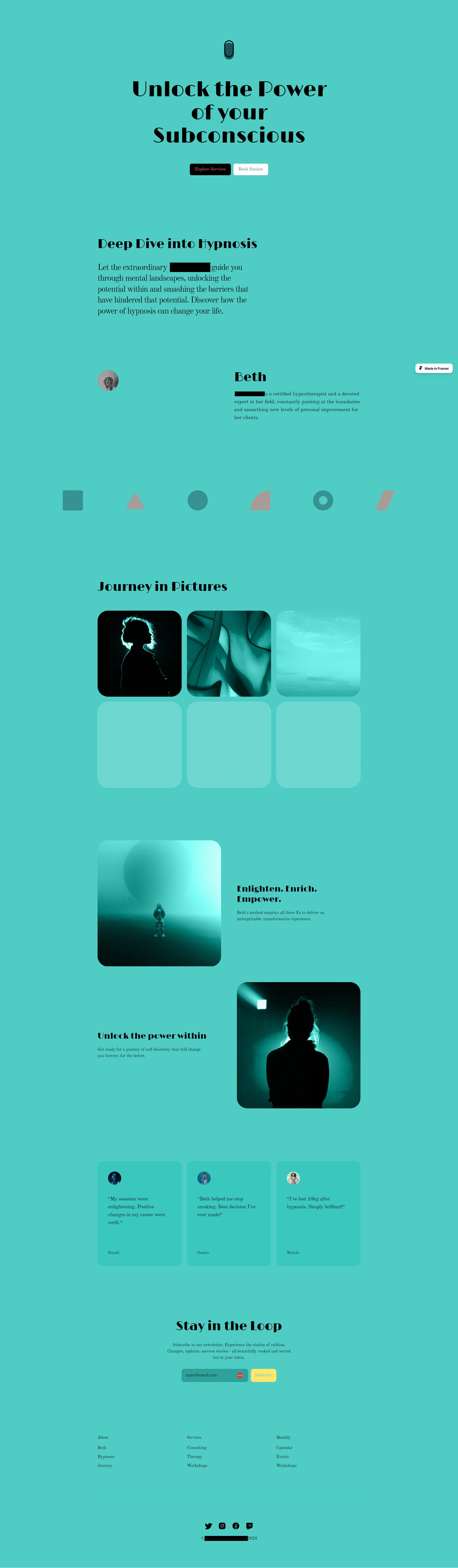
In short, using AI to create a website would leave you with a ton of work to do to clean it up. Here’s what you would need to do to your AI-created website to make it excellent:
- Work with a human to replace the copy.
- Change the code to make the website accessible. This includes font sizes, color contrast and image descriptions.
- In fact, you should undo a lot of the formatting because the AI website we built used inline styles for everything. This means you can’t make global changes to the look and feel of your typography. You’d have to change each heading, section or even paragraph one by one. (Talk about a complete waste of time!)
- Change CSS so fonts adjust with the browser settings. All AI builders we’ve tested used Pixels and or EMs (relative font sizes) but did not implement EMs well by having a global base font size in Ems and then specifying Relative Ems (REMs) for the elements on the page.
- Replace images and add more images because AI chose some images which are not appropriate for the website subject matter.
Website Maintenance and Tech Support
Another area where these AI builders cause concern is that they are an all in one platform. Hosting, website, and often domain are all in the control of a single provider. This means you had better check on the support options and whether your website can be transferred to another platform via a convenient export tool. If you want excellent customer support ask us about WP Tech Guru.
Stay in Your Lane, AI
Having said all that, I have no problem conceding that there are tasks AI can do well and for which using it actually makes sense.
- Smaller tasks that do not require integrations
- Repetitive tasks like completing fields in a spreadsheet
- Testing solutions to problems – a repetitive task
- Suggesting ideas
In conclusion, AI can be a useful tool for many tasks in your business – but designing and building a functional, accessible website is not one of them.
Trust WP Tech Guru to create an ADA compliant website that will fully support your business and your customers.
We make things easy for our customers with our no haggle policy. Our WP Tech Guru service includes the gold standard of tech support: a human you can reach by phone or email and 24 – 48 hour turnaround on anything you need help with.
Shortly after this post was written my experience was validated by Nielsen Norman (World Leaders in Research-Based User Experience) in their article “AI Isn’t Ready for UX Design“